Screen Shots |
|
|
 |
|
 |
©2006-2008 EduIQ.com |
 |
New!
Windows Vista™ Ready |
It is hard to teach
a group of people how to use a PC, or even how to use a specific program
on a PC or the internet.
Yes, PC or web training isn't easy. For someone who's doing something
right, there are probably two others doing it wrong, playing games,
checking email, shopping...
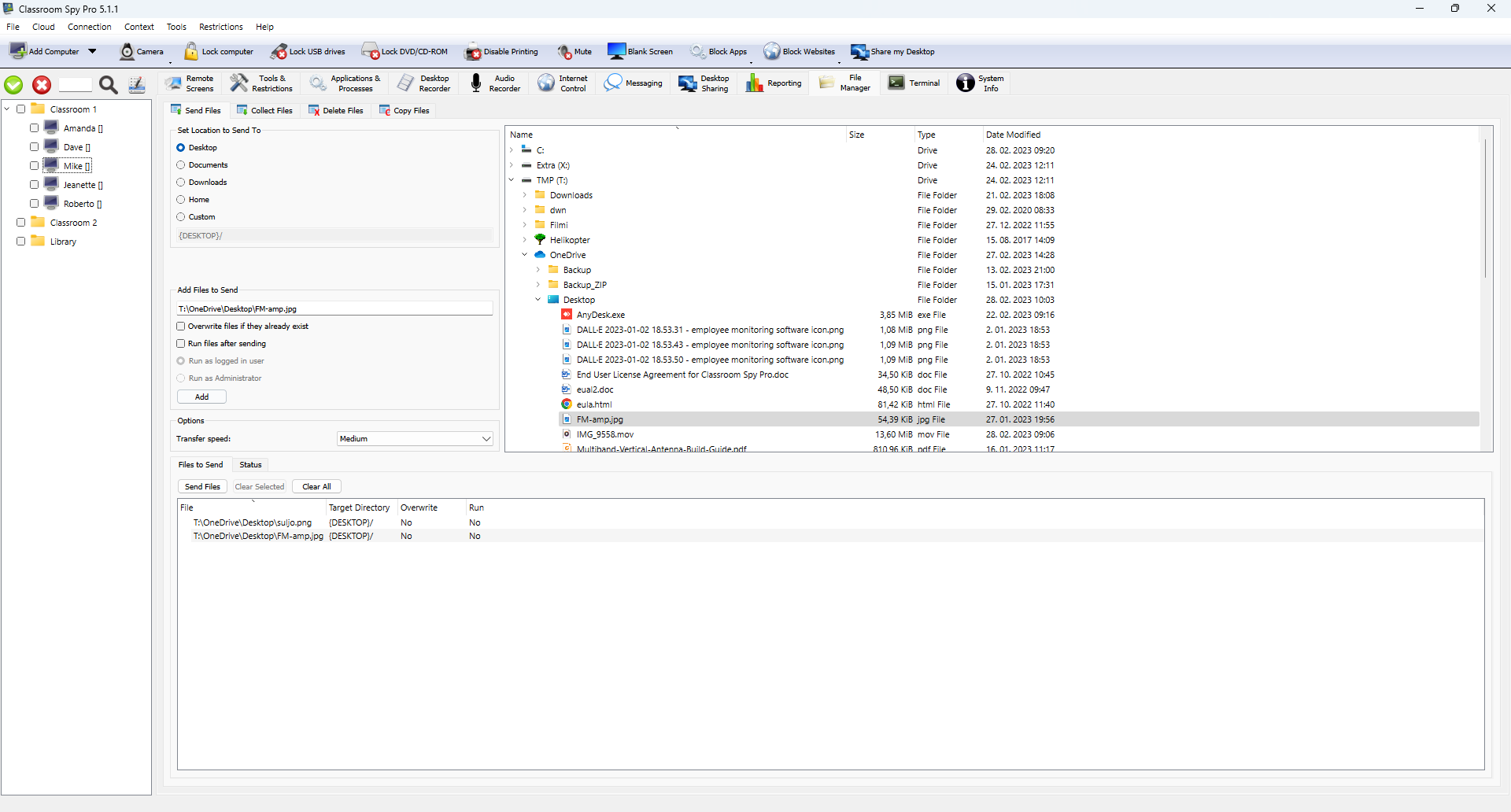
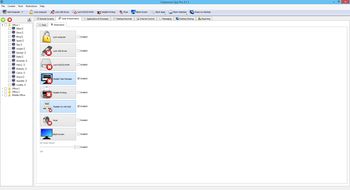
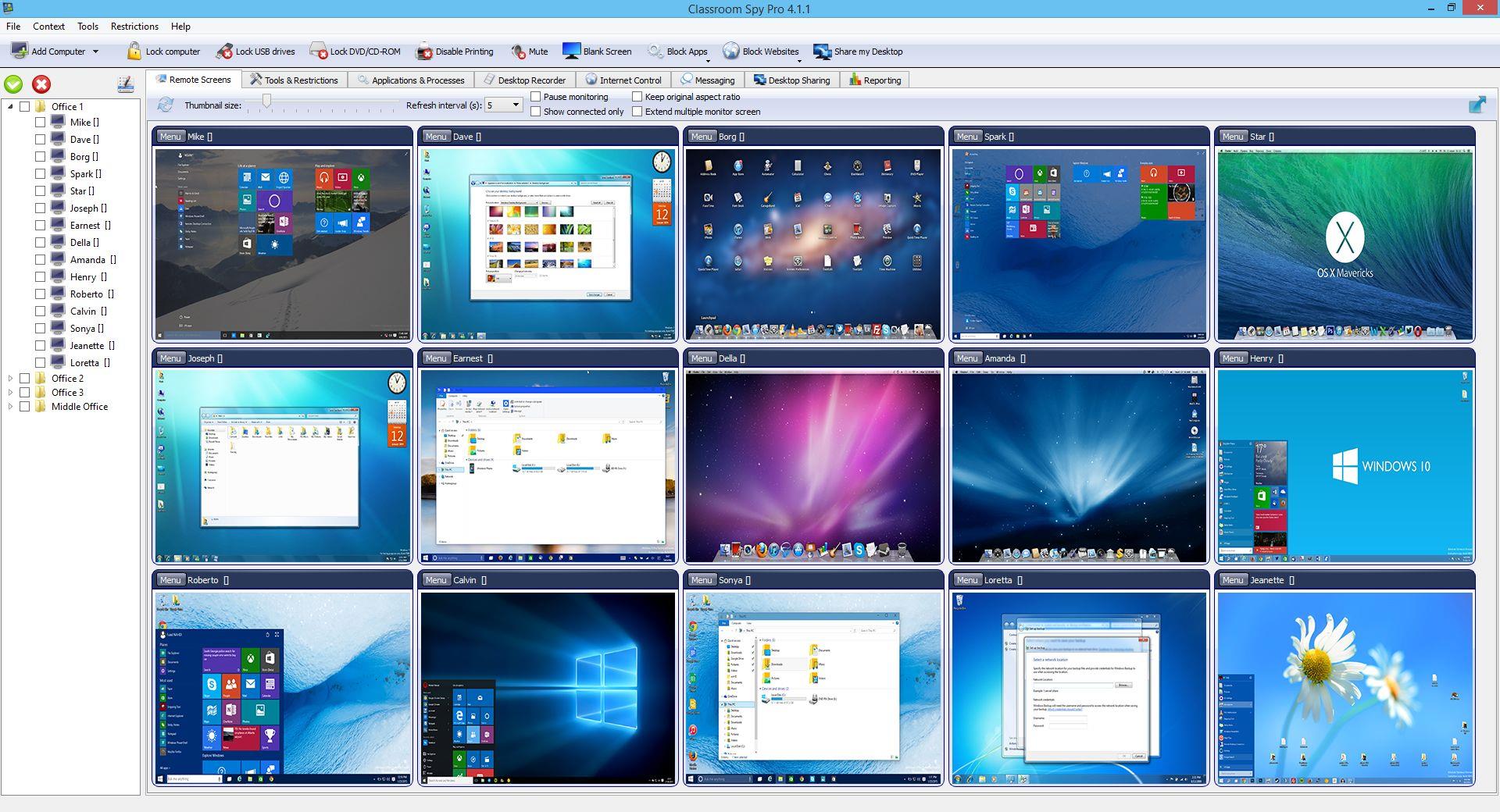
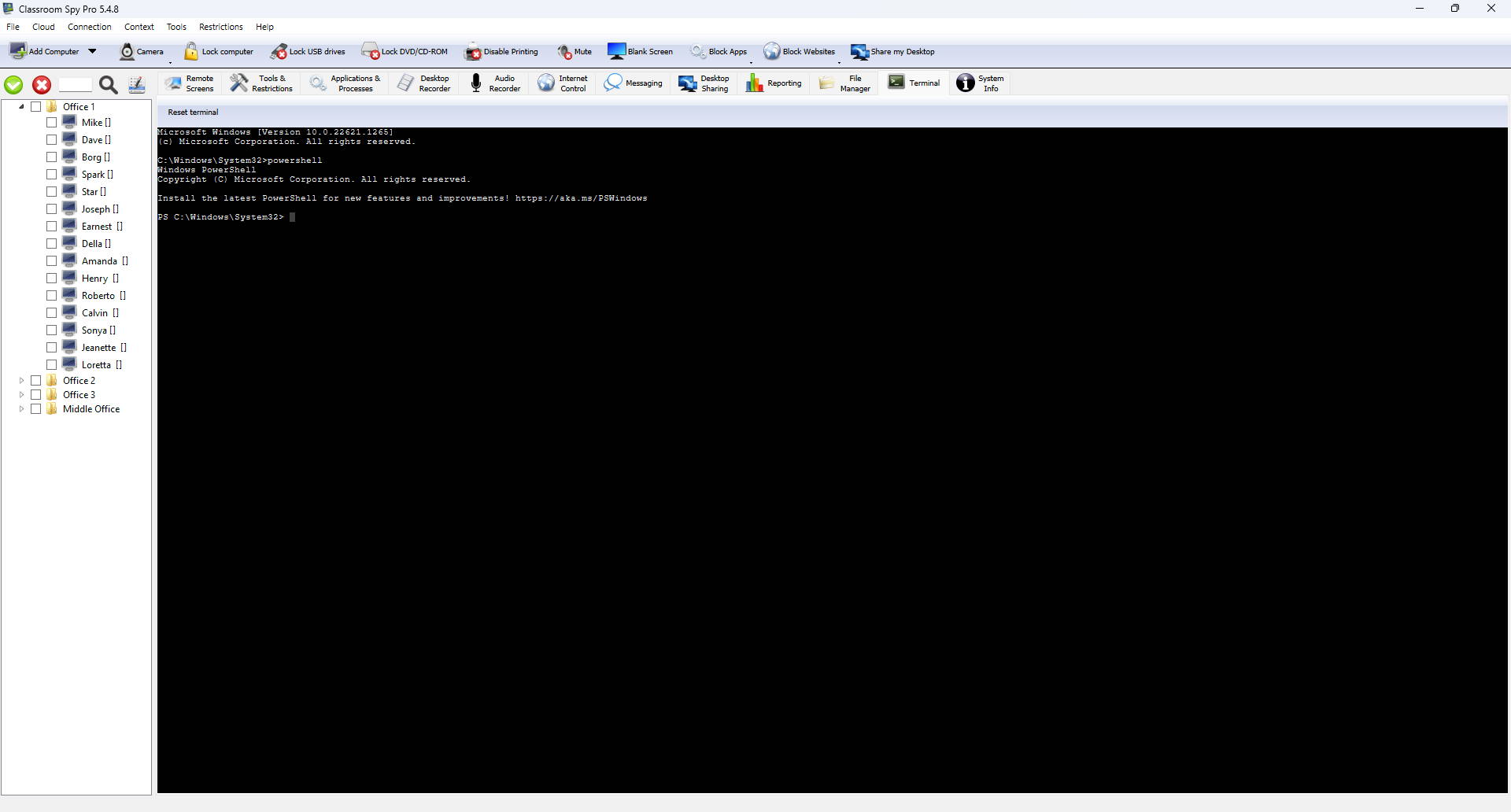
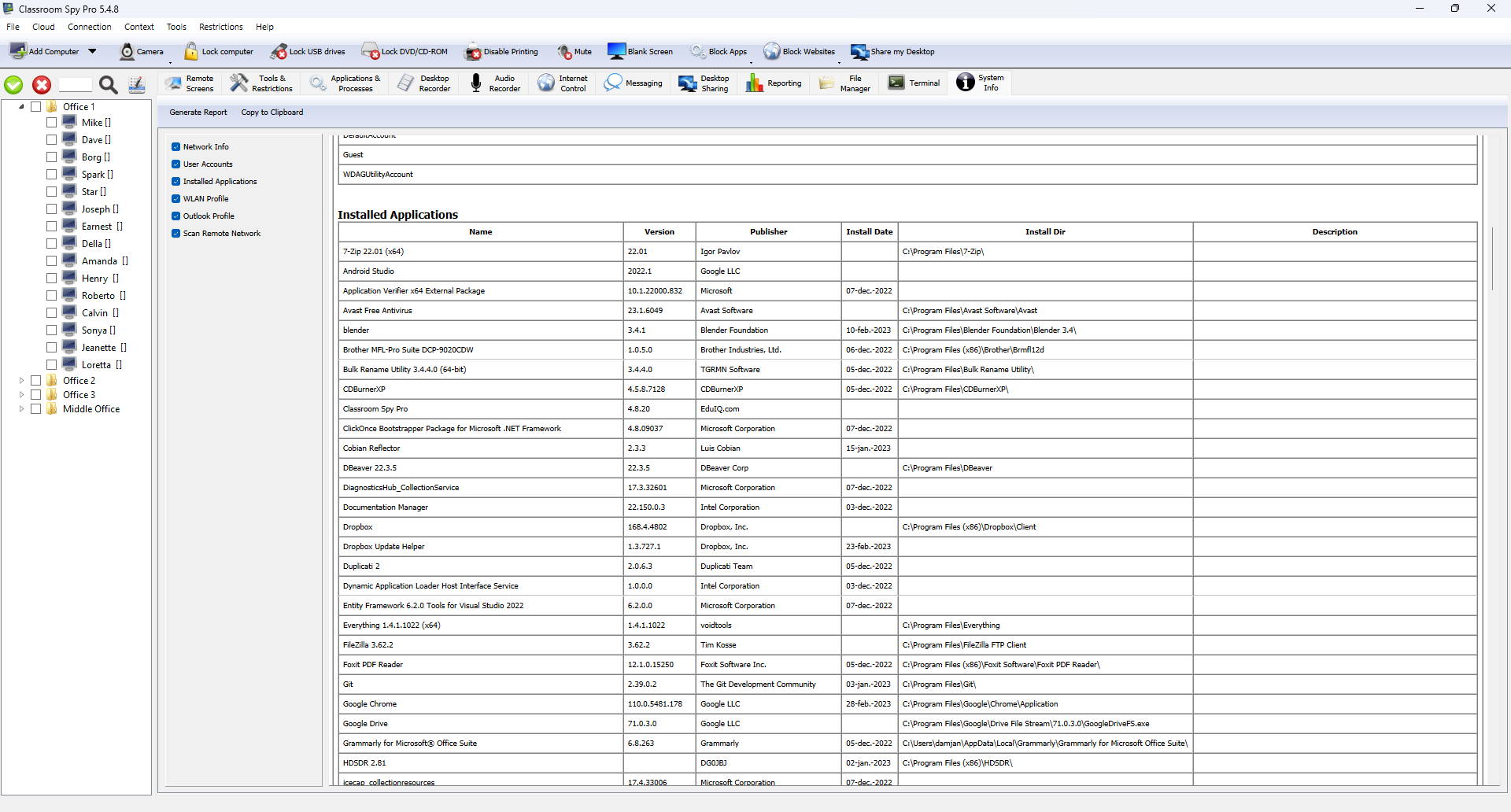
Classroom Spy lets you see what everyone's doing - without leaving your
desk. You can monitor the activity of all the PCs in your classroom
remotely. Plus, you can share your screen with your students' PCs,
making demos and presentations much easier. |
 |
Top Features |
|
| |
What is it useful for?
-
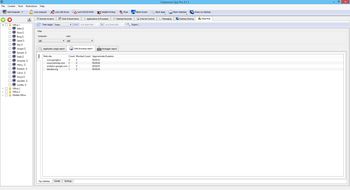
For monitoring and recording your students activities on a
remote computers
- For
preventing internet browsing on remote computers
- For
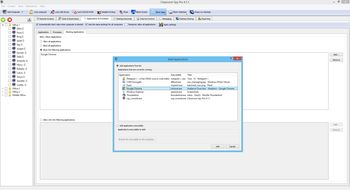
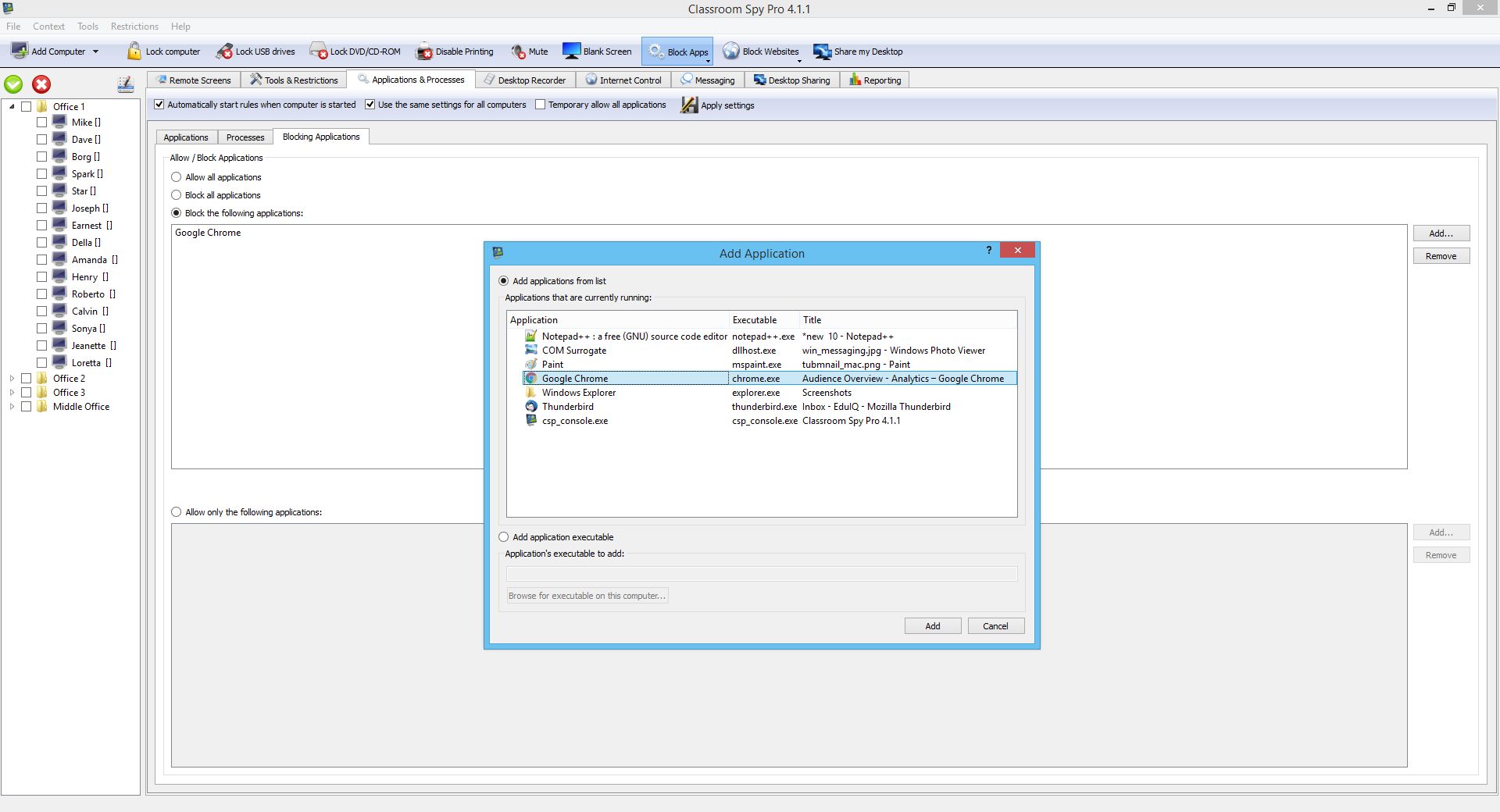
starting and stopping applications and processes
on remote
computers.
-
For monitoring students in the classroom to achieve better
discipline or, just to assist them when they are in trouble (by
using the remote control feature).
-
For administrating all computers just from one location – your
computer.
-
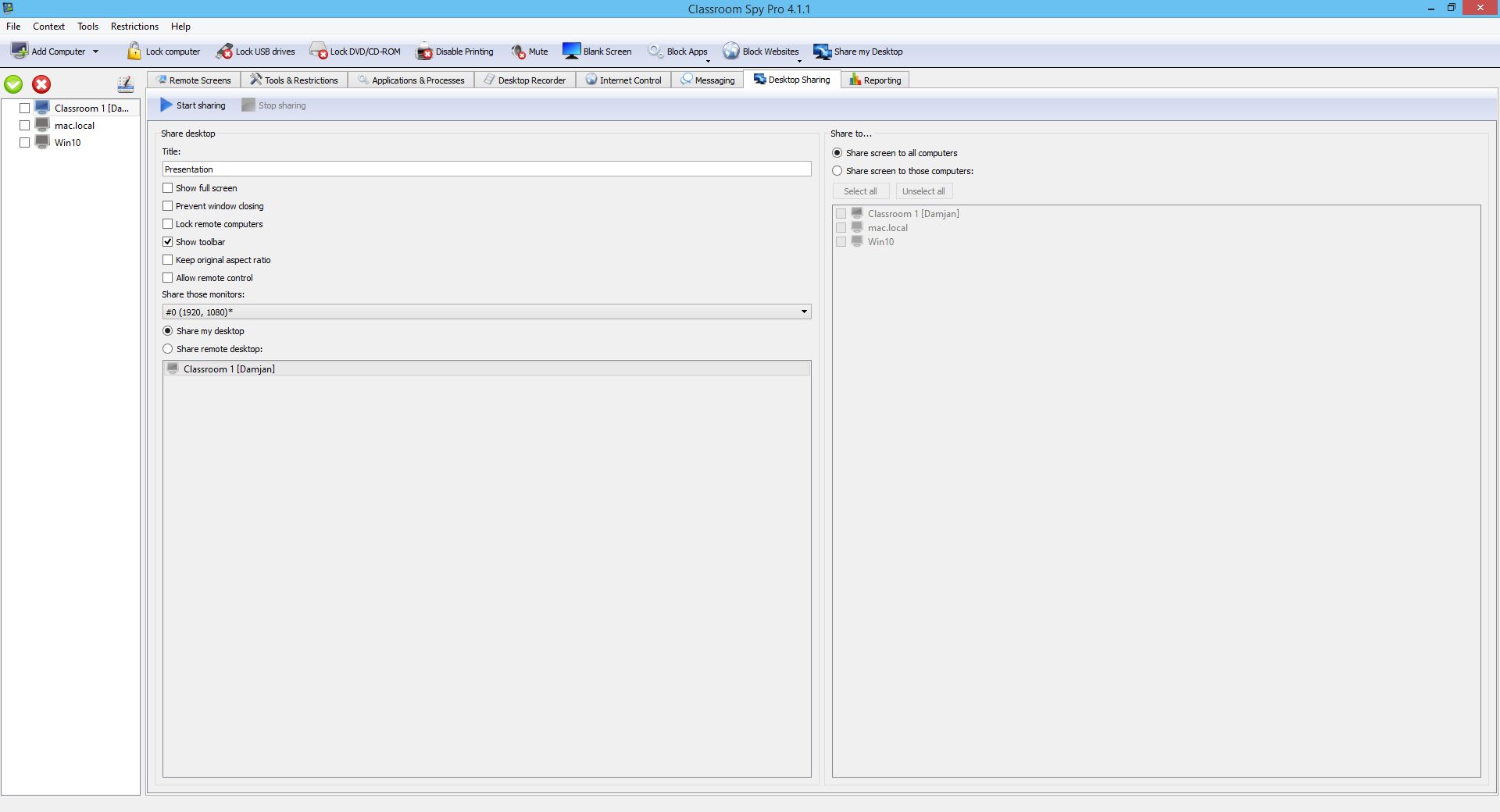
For presenting your screen to
students.
-
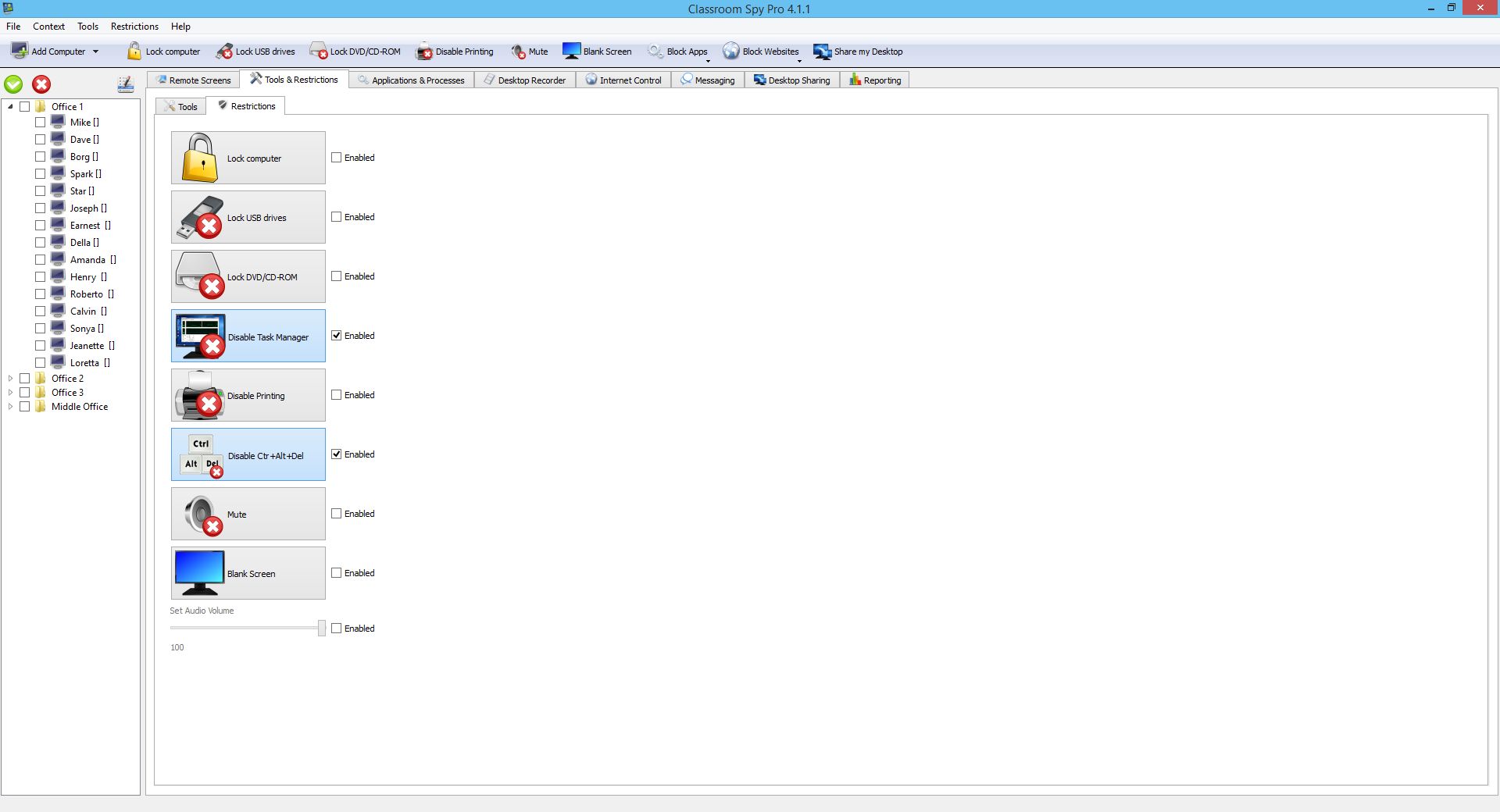
For locking students
computers while they are waiting for further instructions or
assignments.
-
Helping your students by
showing your desktop to them.
-
Turning off, restarting, ....
remote computers with one click.
What are the major benefits of using Classroom Spy Professional?
-
Installation and use of the application is very easy since all
of the functions can be accessed with a few mouse clicks.
-
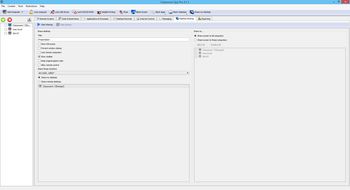
You have complete control over what remote users are doing.
-
This application provides you with a live picture of the remote
computer screens. The live screen (due to some optimizations)
does not use a high bandwidth, but even when the lower network
bandwidth is required the refresh interval can be enlarged using
one mouse click.
-
You can make the presentation
by showing your live screen to students
-
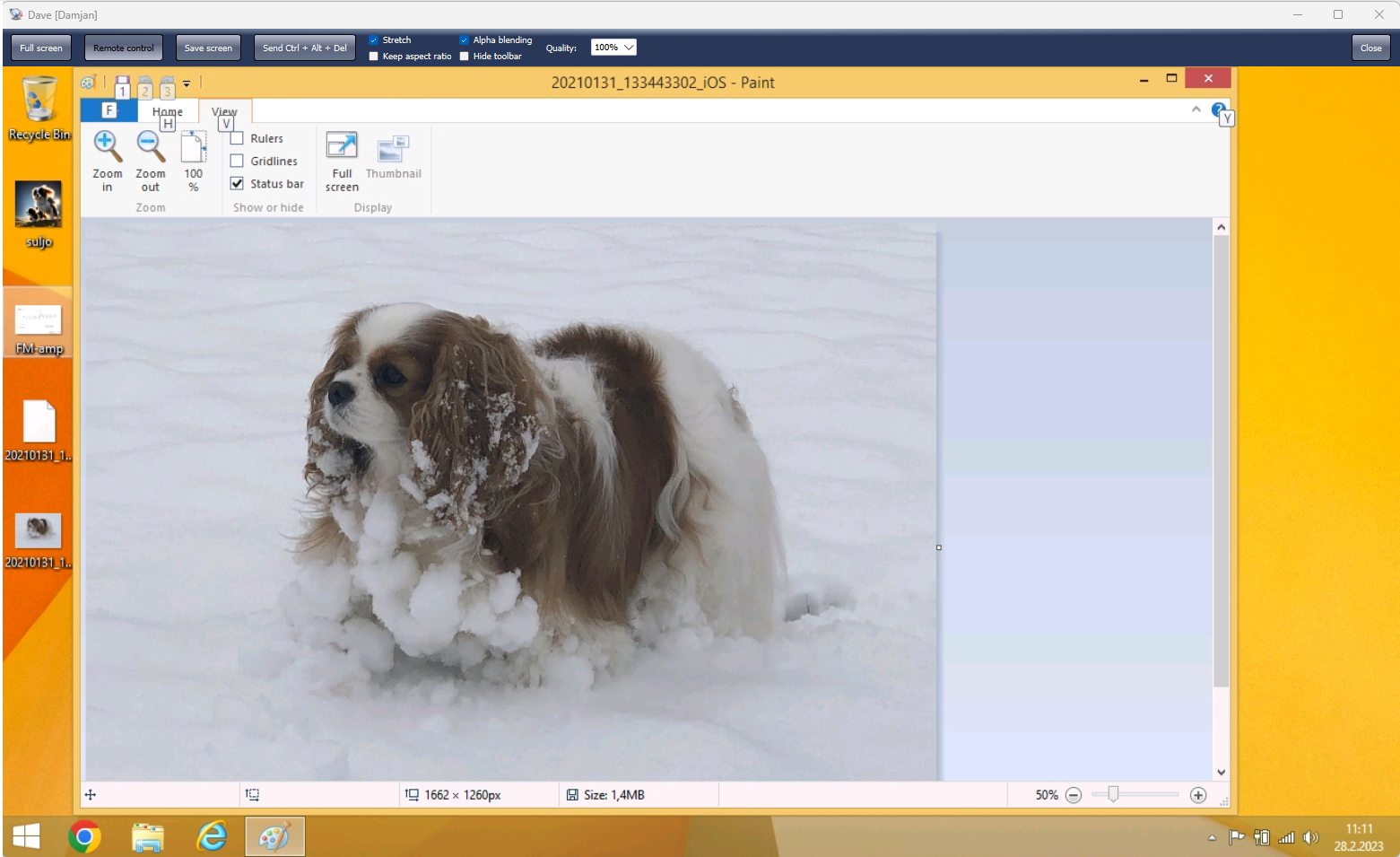
Application allows you to take over the remote computer by
controlling its mouse and keyboard.
-
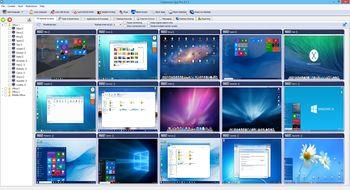
The remote computers´ screens are represented in the table with
a customizable number of rows as thumbnails.
-
Using this application, you can always see which user is
actually logged on to the remote computer.
-
Schedule remote computers
desktop recording to
AVI files
-
Execute several actions on
all remote computers with on click
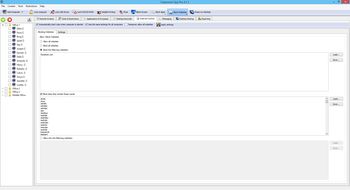
- Block
internet access
Main Features:
-
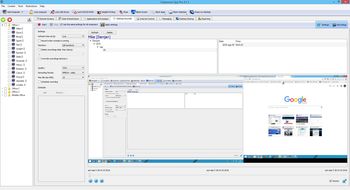
Displaying a live picture of a remote computer.
-
You can take
control of a remote computer by controlling its mouse and
keyboard.
-
More remote screens can be displayed in a table.
- Computers
can be organized in computer groups (e.g. classrooms)
-
A remote screen can be zoomed to an actual size.
-
The name of the connected user is displayed.
-
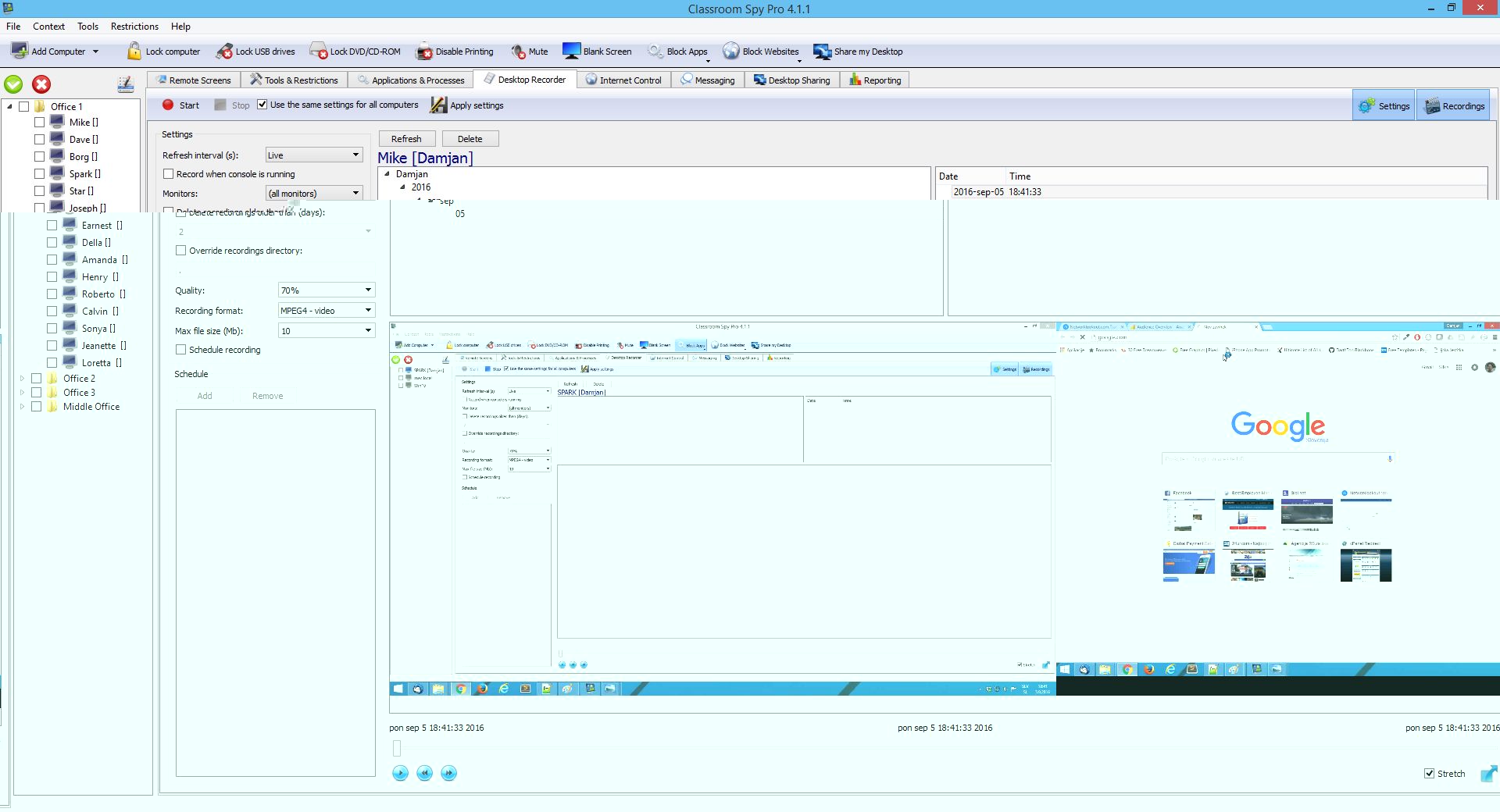
Record remote computers
screens to AVI files.
-
Show your desktop to students
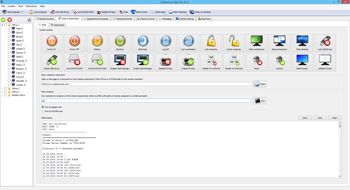
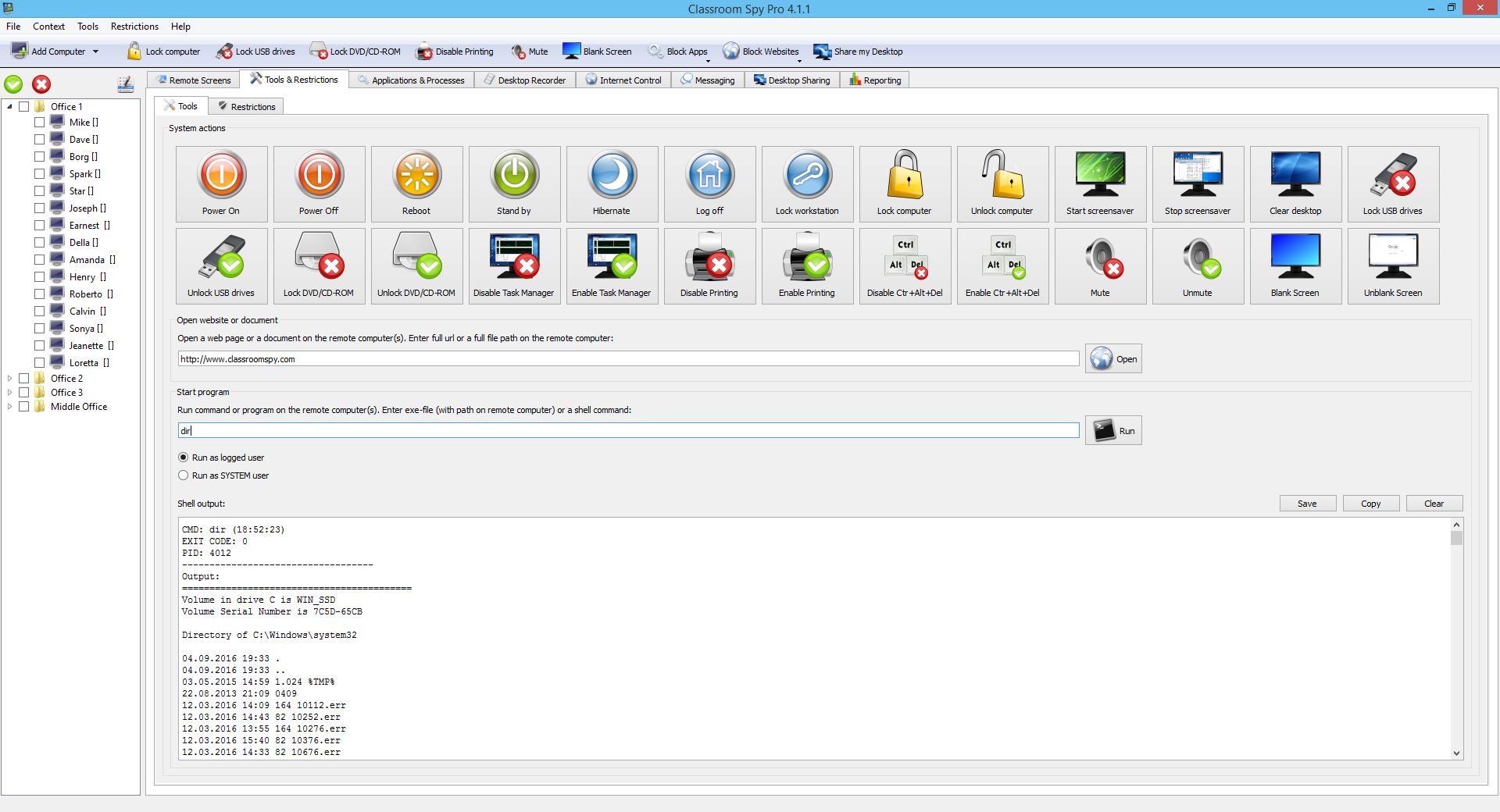
- Power off,
restart, hibernate, suspend remote computers
- Log off
desktop users
- Lock
workstation
- Control
screensaver
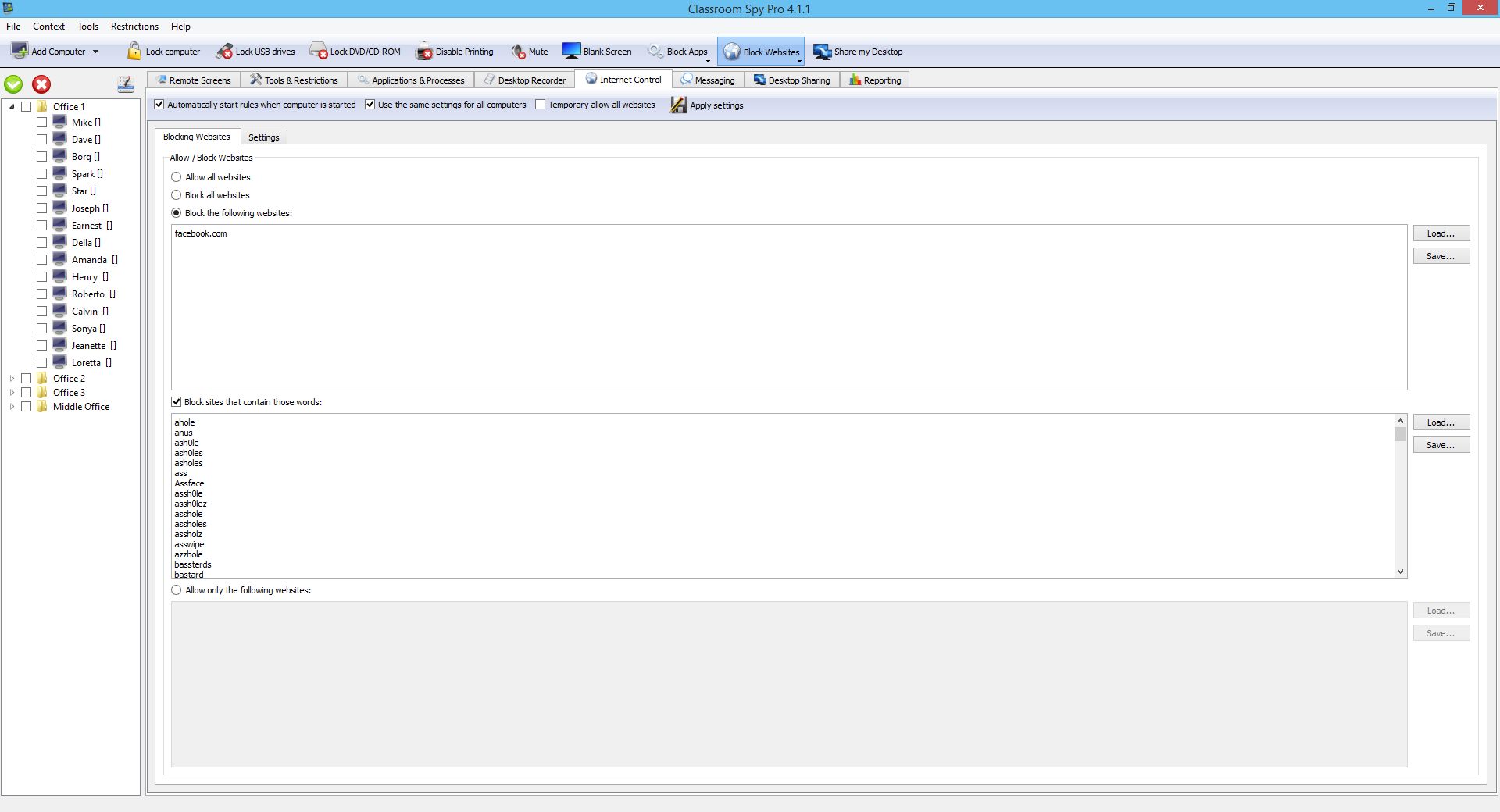
- Block internet
- Multi monitor support
- Control over running processes
- You can
lock selected remote computers
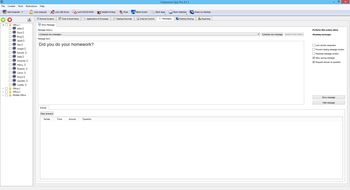
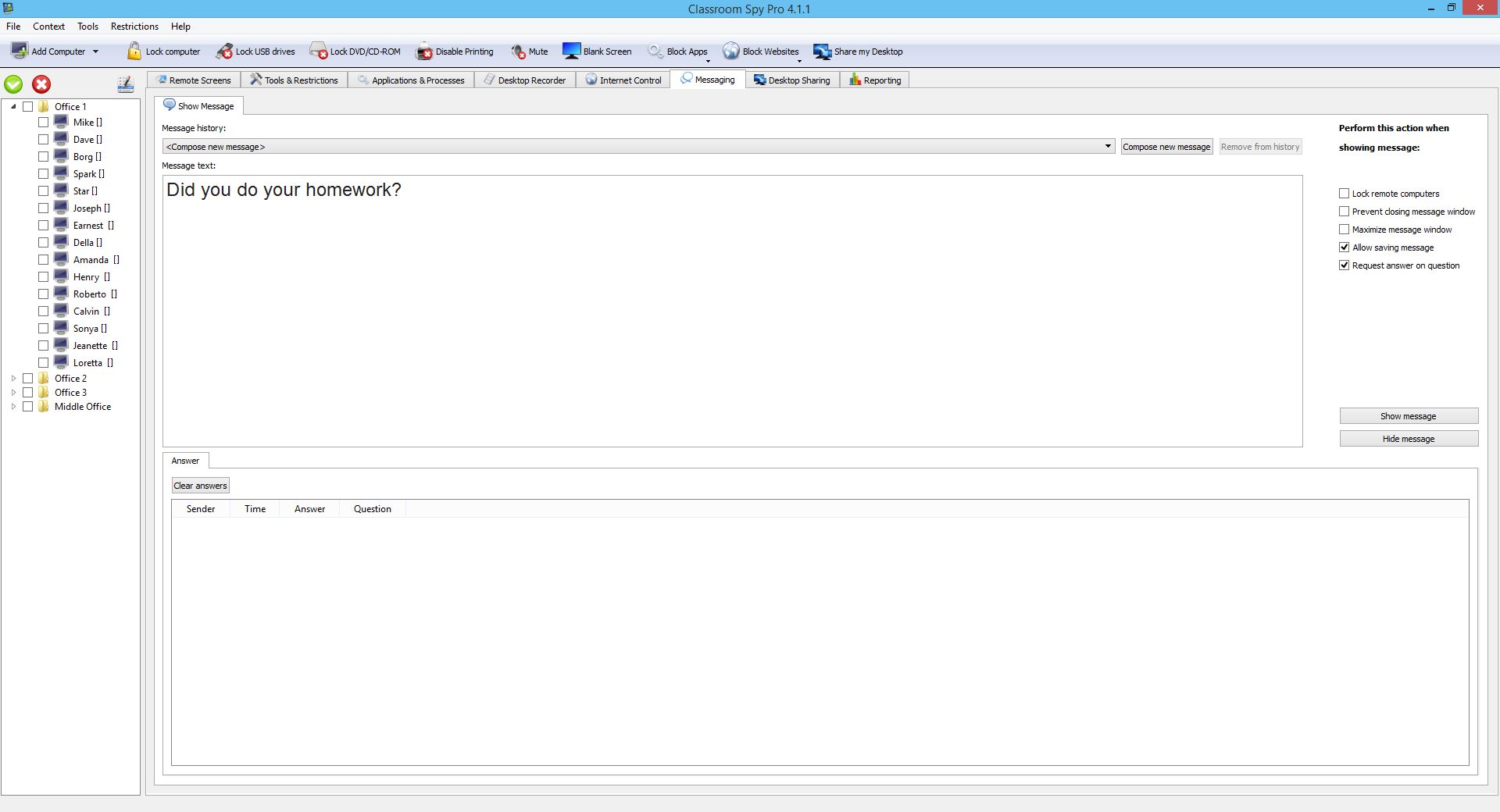
- You can
display a message on selected remote computers.
-
When lower bandwidth is required, the refresh interval can be
enlarged.
-
Automatic connection to a remote computer is optional.
-
Settings for the agent are encrypted and password protected.
-
Connection to a remote computer is password protected.
-
Access to monitoring the console is password protected. If more
users use the same computer, different profiles and access
passwords can be set.
-
More monitoring consoles can be connected to the same remote
computer - you can monitor your students from different
locations.
-
Application can optionally use encrypted communication.
- Agent can
be remotely installed.
- Fast users
switching is supported.
How can I order the Classroom Spy Professional?
For
the fastest way to receive your software, please order online using
your credit card.
To do so, please select a product license below, click on the "Buy
Now!" link, and follow the instructions. For most orders your
software should be delivered within ten minutes! Besides using a
credit card, we also offer a variety of alternative ordering
methods (e.g. Purchase Order)! Please see
Ordering FAQs.
|
Classroom Spy
Professional - Licenses |
Price in USD |
Link |
|
3
computers license
- License to monitor three remote computers |
$59.95 |
Buy now! |
|
10 computers license
- License to monitor ten remote computers |
$149.95 |
Buy now! |
|
25
computers license
- License to monitor twenty-five remote computers |
$349.95 |
Buy now! |
|
Site
license
-
License to monitor an unlimited amount of remote computers owned
by one company located within a 100 km/62 mi
range of the address that you specify during purchase. This also
includes mobile computers used by people who are traveling. All
computers must be located in one building. |
$999.95
HOT
PRICE
$899.95 |
Buy now! |
|
Classroom Spy
Professional
- Educational Licenses |
Price in USD |
Link |
|
Educational Site license - License to monitor an
unlimited amount of remote computers owned by one school. All computers must be located in one
building. |
$699.95
HOT
PRICE
$599.95 |
Buy now! |
|
School District license - License to monitor
all computers in all schools
that are part of one school district. |
$2,990.00 |
Please contact us to give you detailed
instructions on how to send a Purchase Order. |
|
|
|
 |